KIOZI · INTEGRATIONS
Your POS.
Meet your kiosk.
Kiozi connects your self-order kiosk to the tools
your business already uses. Starting with Square.
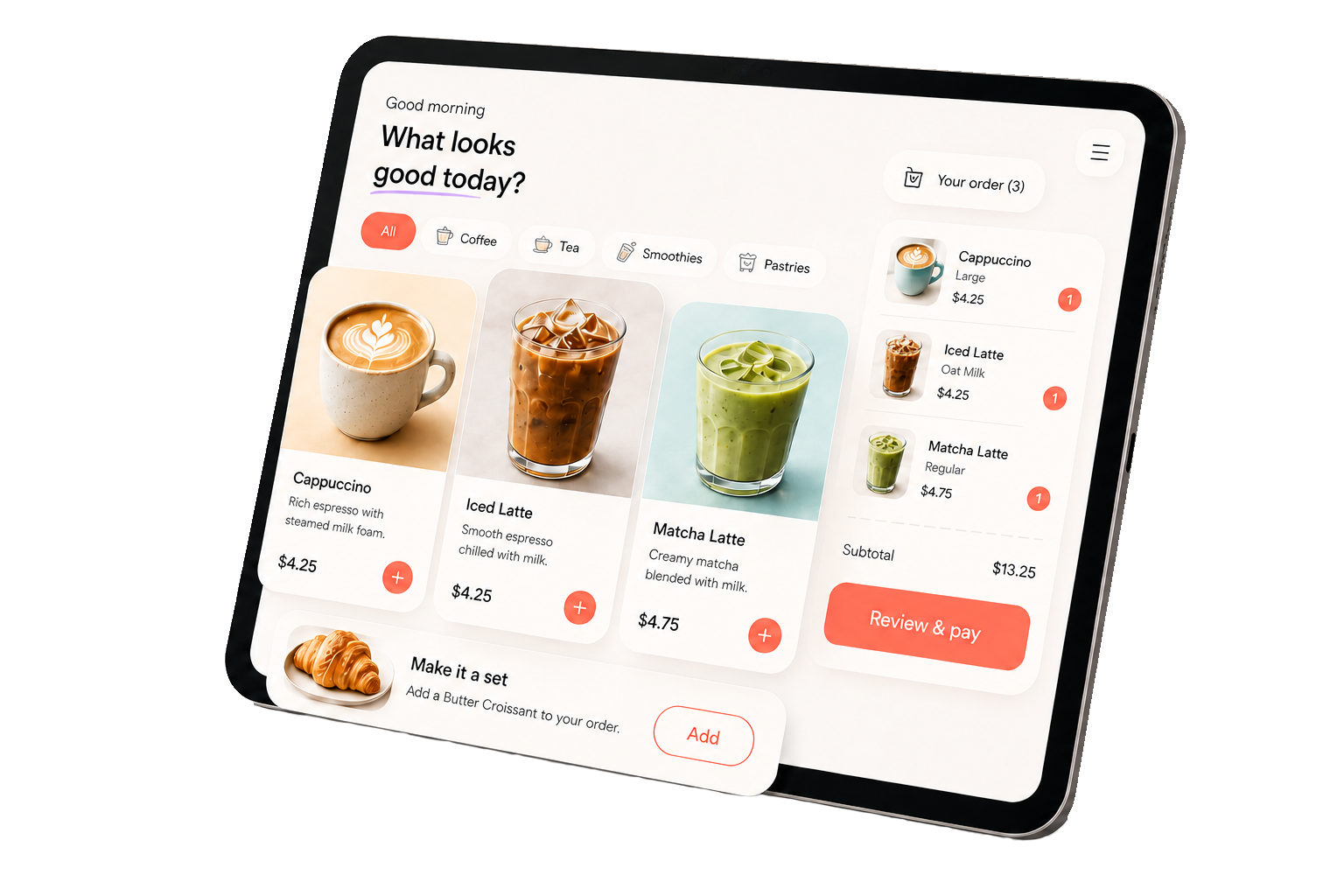
CURRENT INTEGRATION
Available nowSquare
Your menu, orders, and payments.
Connected with Kiozi.
We currently work with Square. Connect your Square merchant account to bring your menu into Kiozi and send kiosk orders back to Square.
Get started with SquareYour menu stays connected
Bring items, categories, prices, modifiers, and availability from your Square catalog into your kiosk.
Orders go to Square
Guests order with Kiozi. Their kiosk orders are sent to your connected Square location.
Payments through Square
Take card payments using Square and a compatible reader. Square processing fees and hardware are separate from your Kiozi service plan.
A CONNECTED START
From your POS
to your first order.
Connect your Square account
Sign in to your Kiozi merchant account and authorize the connection with Square.
Choose your location
Link your kiosk to the right store and review the menu and kiosk settings.
Get ready to take orders
Set up your compatible tablet and reader, check your menu, and start your kiosk.
MORE CONNECTIONS AHEAD
Square today.
More POS integrations to come.
We’re planning to expand our POS integrations over time, so more businesses can use Kiozi with the systems they know. Square is our currently supported integration; additional providers will be announced as they become available.
Let’s get you connected.
Questions about your setup or the right plan for your business?