KIOZI · HARDWARE

Great orders start
with the right setup.

One screen for your menu. One reader for payments. Bring your own compatible device or choose a setup we recommend.

Explore supported devices ↓
MUST BUY · FOR CARD PAYMENTS

Square Reader.

For contactless and chip · 2nd generation

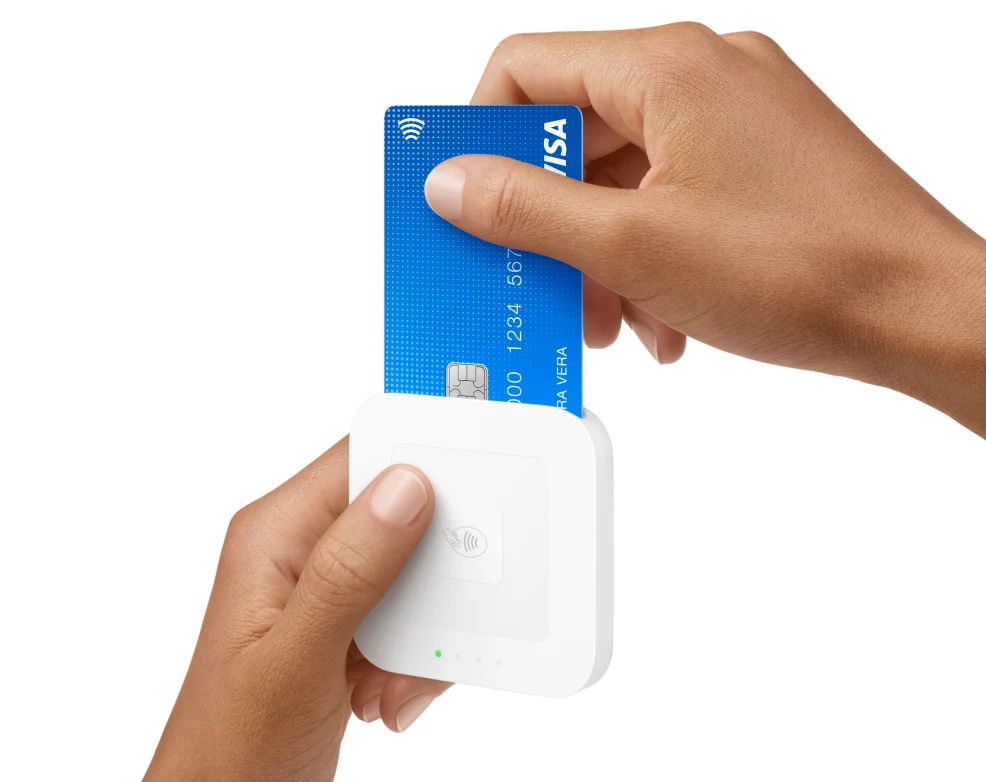
The essential companion to your Kiozi kiosk. A compatible Square Reader is required for card payments, so guests can tap or insert their card to check out.

Chip cards · Contactless cards · Apple Pay · Google Pay

Buy Square Reader

Already own a compatible Square Reader? Use it with your kiosk.

Square Reader for contactless and chip, second generation
Square Reader · Product image courtesy of Square

CHOOSE YOUR SCREEN

Your device. Your kiosk.

Kiozi works on Android and iPad (iOS/iPadOS). Choose a compatible touchscreen that suits your counter and your customers.

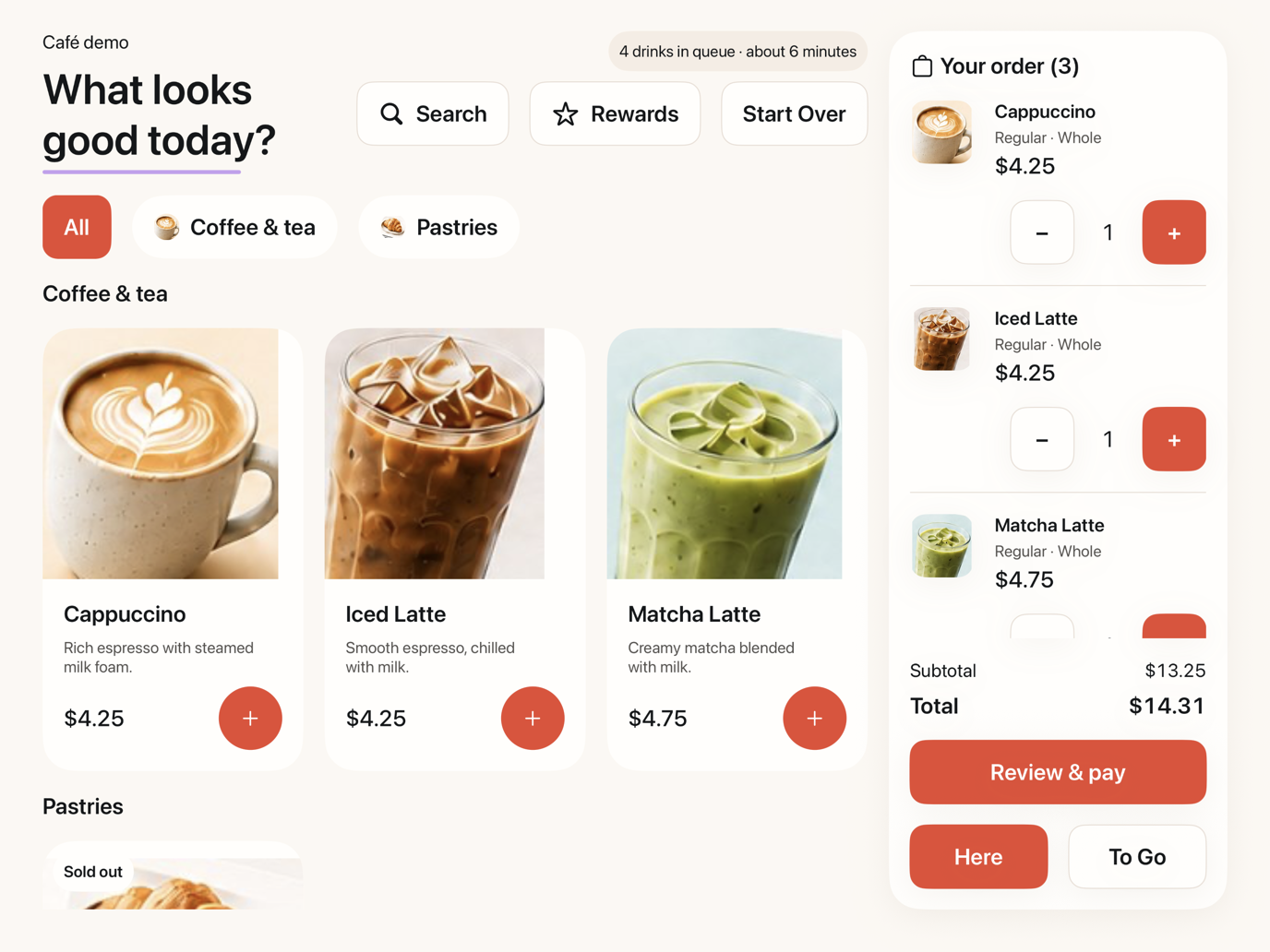
Kiozi Café ordering menu on a landscape iPad

APPLE · iOS / iPadOS

iPad

iPad, iPad Air, iPad Pro, and iPad mini models that meet Kiozi’s software requirements and Square’s reader compatibility requirements.

A compact touchscreen setup for your countertop. Use a secure stand and keep the device connected to power.
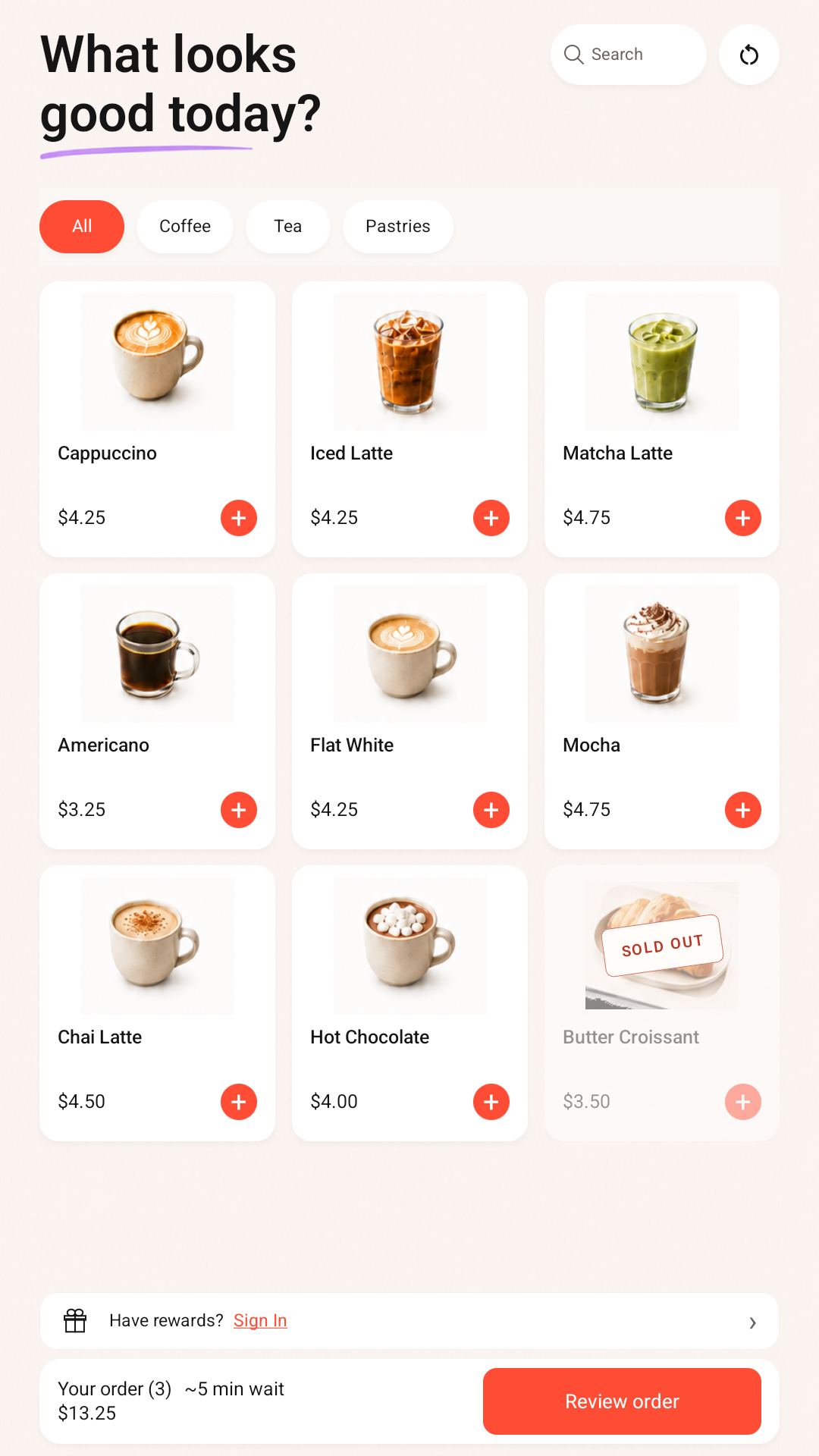
Kiozi Café ordering menu on a portrait Android touchscreen24″+Recommended
for Android

ANDROID · TABLETS & LARGE TOUCHSCREENS

Room for a bigger menu.

Compatible Android tablets and all-in-one Android touchscreens. We recommend a 24-inch or larger screen for an easy-to-read, comfortable ordering experience.

Use your own compatible Android device, or explore our recommended device: the ApoloSign 24-inch Android touchscreen with rolling stand.

Compatibility depends on the specific model, operating system, and Square Reader support. Check Square’s device compatibility and contact us to confirm your Kiozi setup before purchasing a device.

READY FOR THE COUNTER

A few essentials, and you’re ready.

  • A compatible iPad or Android touchscreen
  • A compatible Square Reader for card payments
  • A stable internet connection and power
  • A secure stand and your Square merchant account
Follow the setup guide →